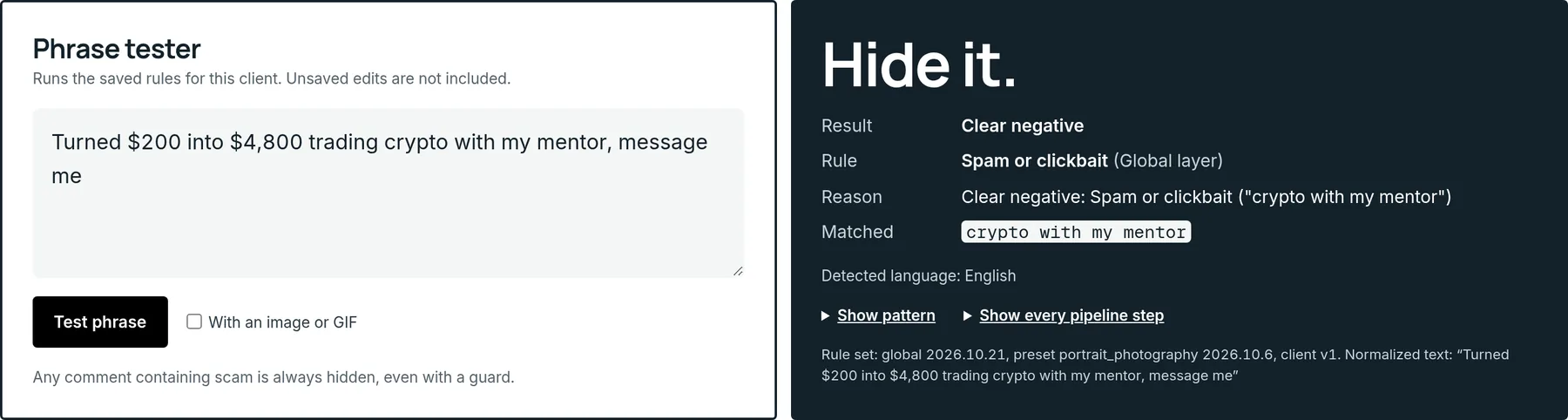
Ads attract spam: crypto and forex “mentors”, “link in my bio” offers and people asking your audience to message them on WhatsApp or Telegram. CommentHide hides these under your Facebook and Instagram ads, logs the reason for each one, and keeps the real questions that sit next to them.
Why ads attract spam and scams
- Ads reach people who don’t follow you. Spammers reply to busy ads because a comment there is seen by a big audience.
- Scams copy your customers. A “message me for details” comment under your ad looks like it could come from your business.
- Dark posts are easy to miss. Ads that never appeared on your Page don’t show their comments in the usual places. See dark post comments.
What CommentHide does with them
These results come from CommentHide’s built-in rules, tested with the General preset:
| Comment | CommentHide |
|---|---|
| “Made $5,000 a week trading crypto, DM me for details” | Hidden: get-rich spam |
| “Check the link in my bio for a better deal” | Hidden: links to other sites |
| “WhatsApp me on +1 555 0100” | Hidden: asks people to message them |
| “Congratulations you won! Claim your prize, message me” | Hidden: asks people to message them |
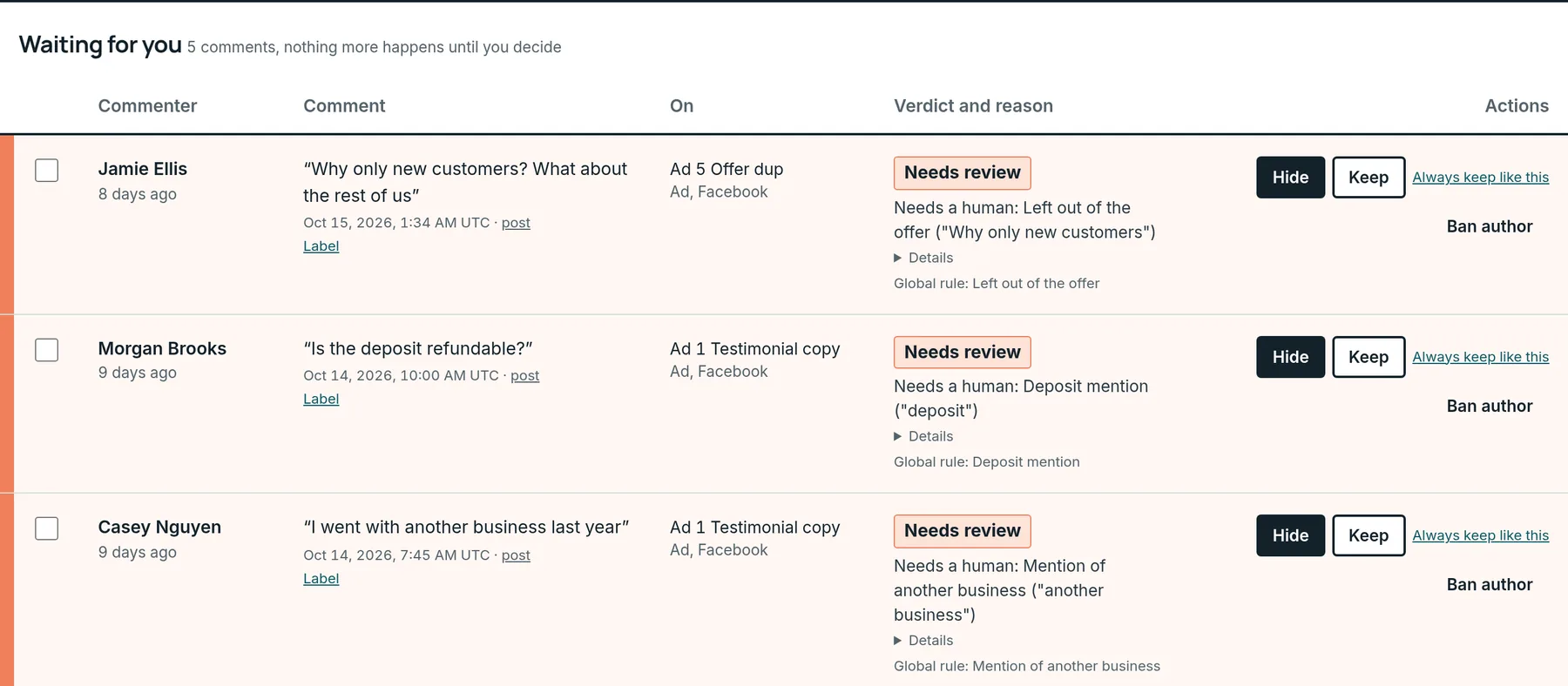
| “Total rip-off, avoid” | Sent to review: a fraud or rip-off complaint is never kept automatically |
| “DM me the price please” | Kept: a customer asking you for the price |
| “Is this legit?” | Left up: a real question you can answer |
Links are hidden by default in most presets. An email address isn’t treated as a link, and links in comments from your own Page aren’t hidden. You can also switch on filters for comments that are only an image, GIF or sticker, or only a tag of a friend.
Set it up
- Connect your Facebook and Instagram ad accounts.
- Pick your industry preset. Spam and scam rules come built in.
- Check the first scan. It shows what would have been hidden from the last 30 days without hiding anything yet.
Want to stop a particular phrase? Add it as a block phrase: see add block, keep and review phrases. For Facebook’s built-in options, see the Facebook keyword filter guide.
Frequently asked questions
How do I stop spam comments on Facebook ads?
Hide them as they are found, and stop new ones with a filter. Facebook’s Moderation Assist can hide comments with links or your keywords. CommentHide also reads each comment for get-rich offers, “message me” requests and links, and hides them while keeping real questions.
Should I delete or hide scam comments?
Hiding is reversible and the scammer isn’t told. Delete only when you want a comment gone for everyone. See how to delete comments on Facebook ads.
Will CommentHide hide a customer who asks me to message them?
Not when they are asking you for details. “DM me the price please” is kept as a price question. Comments asking other readers to message, WhatsApp or Telegram the commenter are hidden.
What if a real customer calls the ad a scam?
Fraud and rip-off complaints are never kept automatically. Depending on the wording they are hidden or sent to your review list, so you can reply to the person if they had a genuine problem.
Want your ad comments cleaned up automatically? Connect your Facebook and Instagram ad accounts and the first scan runs straight away.