Help center / Rules and presets
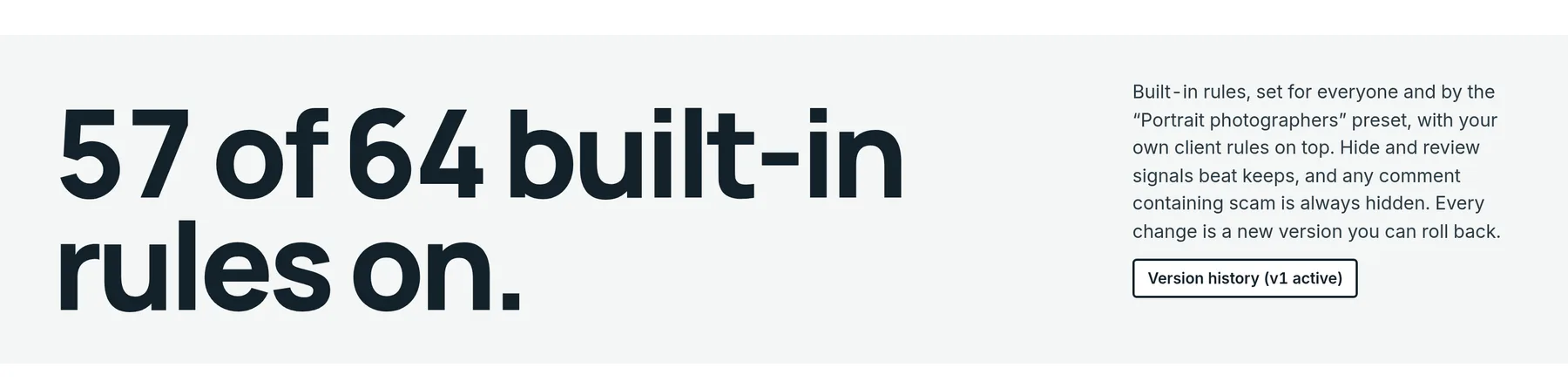
Every save is a new version, so you can always go back.
Steps
- Open Rules and choose Version history.
- Read the changes for each version: added rules, changed rules and rules switched off.
- Choose Roll back to the version you want.
- Rolling back creates a new version with the old content, so nothing is lost.
Related articles
- Choose an industry preset
- Add block, keep and review phrases
- Test and simulate rules before you save
- Set your scan schedule
Screenshots show the dashboard with sample data and may differ slightly from what you see.
Still stuck? Browse the help center or contact us.