Quick answer: Meta is testing a control that turns off comments on Facebook and Instagram ads, but only a limited number of businesses have it. If you don’t, you can try running the ad from a Page post with commenting limited, or keep comments on and hide the negative ones.
Option 1: the comment setting in Ads Manager
In October 2024 Meta announced it is testing a control that lets businesses turn off comments on their Facebook and Instagram ads, available to a limited number of businesses.
- Open Ads Manager and create or edit the ad.
- Look for a comment control in the settings.
- If it’s there, turn comments off, then publish.
If you can’t find it, your account most likely doesn’t have the control yet.
Option 2: run the ad from a Page post with comments limited
- Publish your ad creative as a post on your Facebook Page.
- On the post, look for the option to choose who can comment, and pick the most restrictive setting.
- In Ads Manager, create the ad using that existing post.
- Once the ad is live, check that the comment setting carried over. Meta doesn’t document whether it applies to the ad.
This only affects Facebook. Instagram comments are set separately: see how to turn off comments on Instagram ads.
Should you turn comments off?
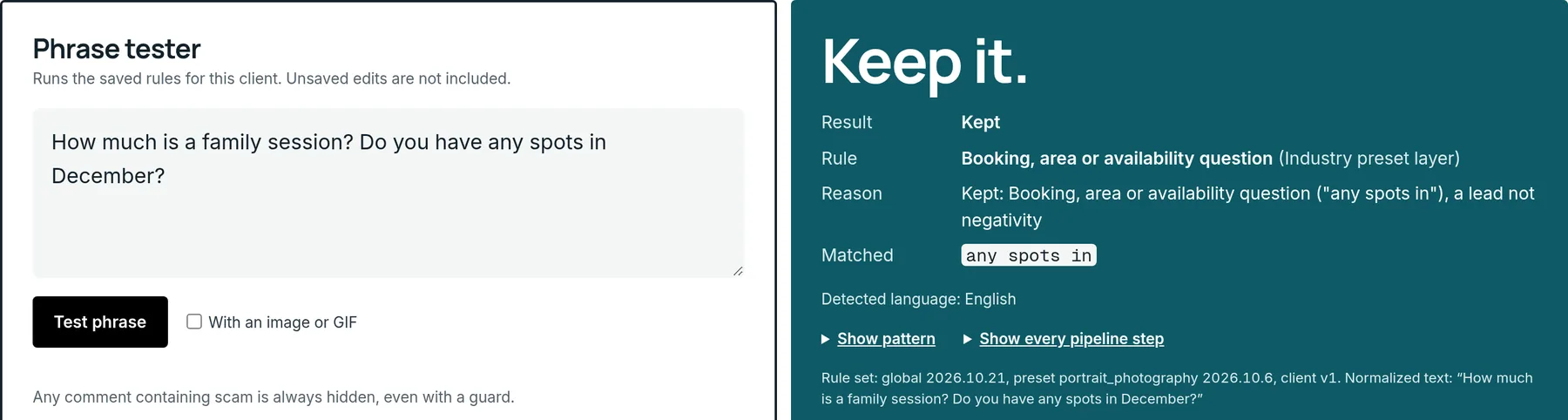
Turning comments off removes the bad comments, but also the good ones: questions, tags of friends and social proof. In our study of 4,179 ad comments, about 3.8% were negative. Price questions like “How much?” are buying signals.
Turn comments off with CommentHide
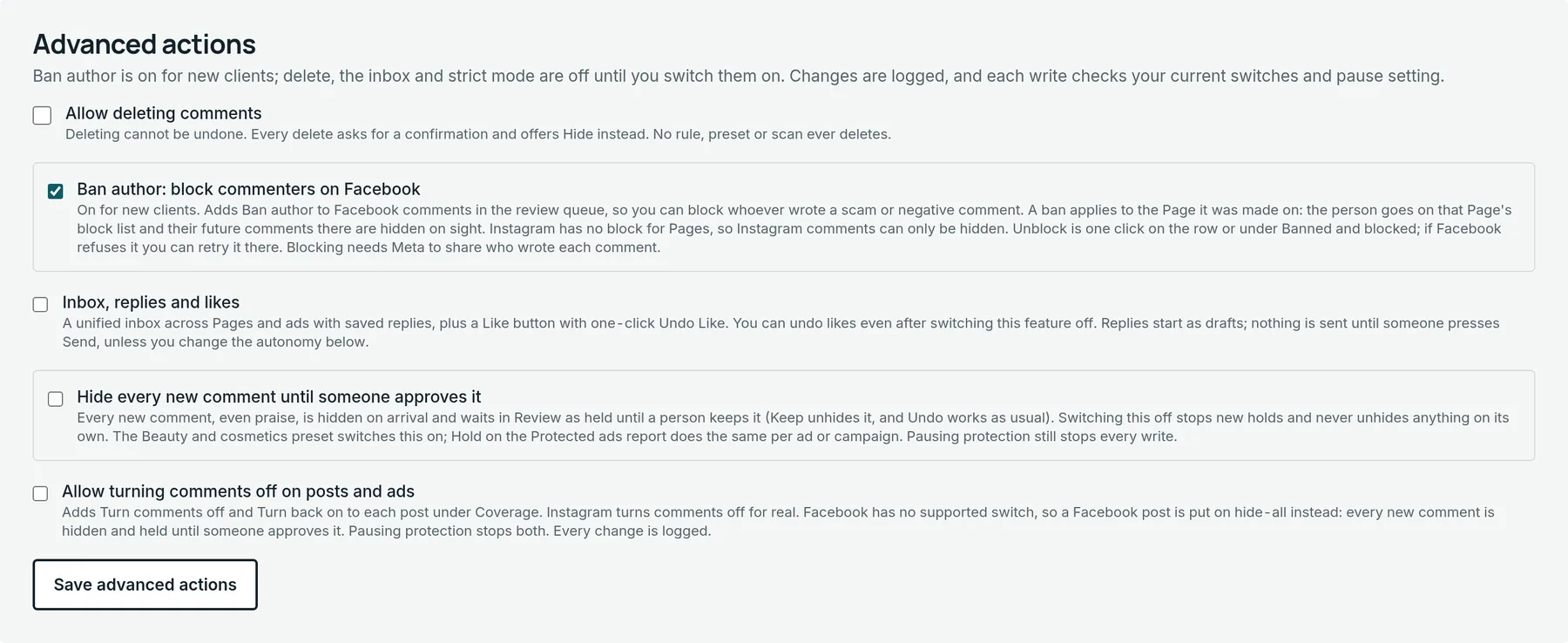
On Pro and up, an admin can switch on Allow turning comments off on posts and ads under Settings > Client and brand > Advanced actions. Each post under Coverage then gets Turn comments off and Turn back on. Instagram turns comments off for real. Facebook has no supported switch, so CommentHide puts a Facebook post on hide-all instead: every new comment is hidden and held until someone approves it. Every change is logged.
Option 3: hide only the negative comments
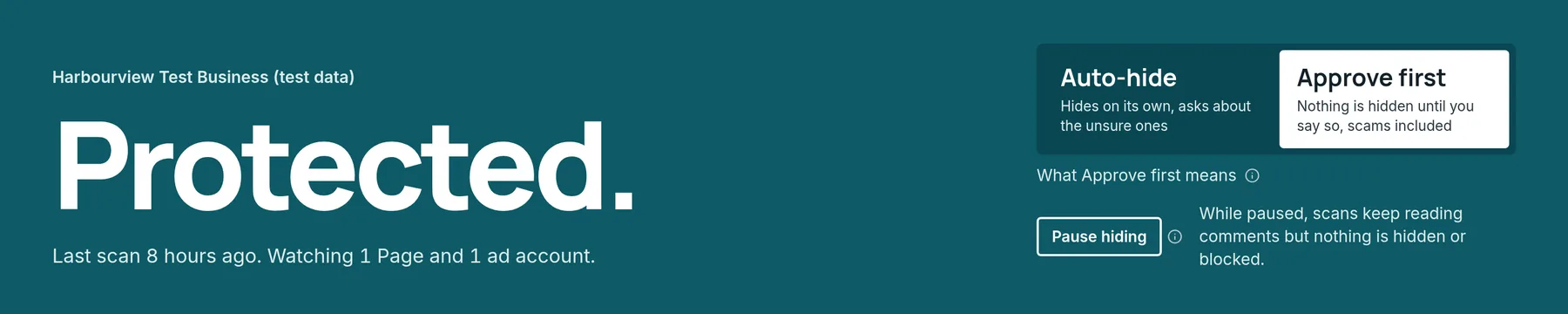
Facebook’s own keyword filter hides comments containing words you list, but it matches exact words, not meaning. A tool like CommentHide reads each comment and hides only the negative ones, on Facebook and Instagram.
See also: how to hide comments on Facebook ads.
Frequently asked questions
Can you turn off comments on a Facebook ad?
Only if your account has Meta’s comment control, which Meta says is being tested with a limited number of businesses. Otherwise, limit comments on a Page post and run the ad from it, or hide the negative comments.
Does turning off comments on Facebook also turn them off on Instagram?
It depends on the method. Meta describes its test control as covering Facebook and Instagram ads. Limiting comments on a Facebook Page post does not change Instagram, which has its own settings: see how to turn off comments on Instagram ads.
Is hiding a comment the same as deleting it?
No. According to Facebook’s Help Center, a hidden comment stays visible to the person who wrote it and their friends, and is hidden for everyone else. You can unhide it later. A deleted comment is removed from the post.
Want your ad comments cleaned up automatically? Connect your Facebook and Instagram ad accounts and the first scan runs straight away.