Help center / Review queue and inbox
Use the inbox to answer questions under your ads without opening Facebook or Instagram.
Steps
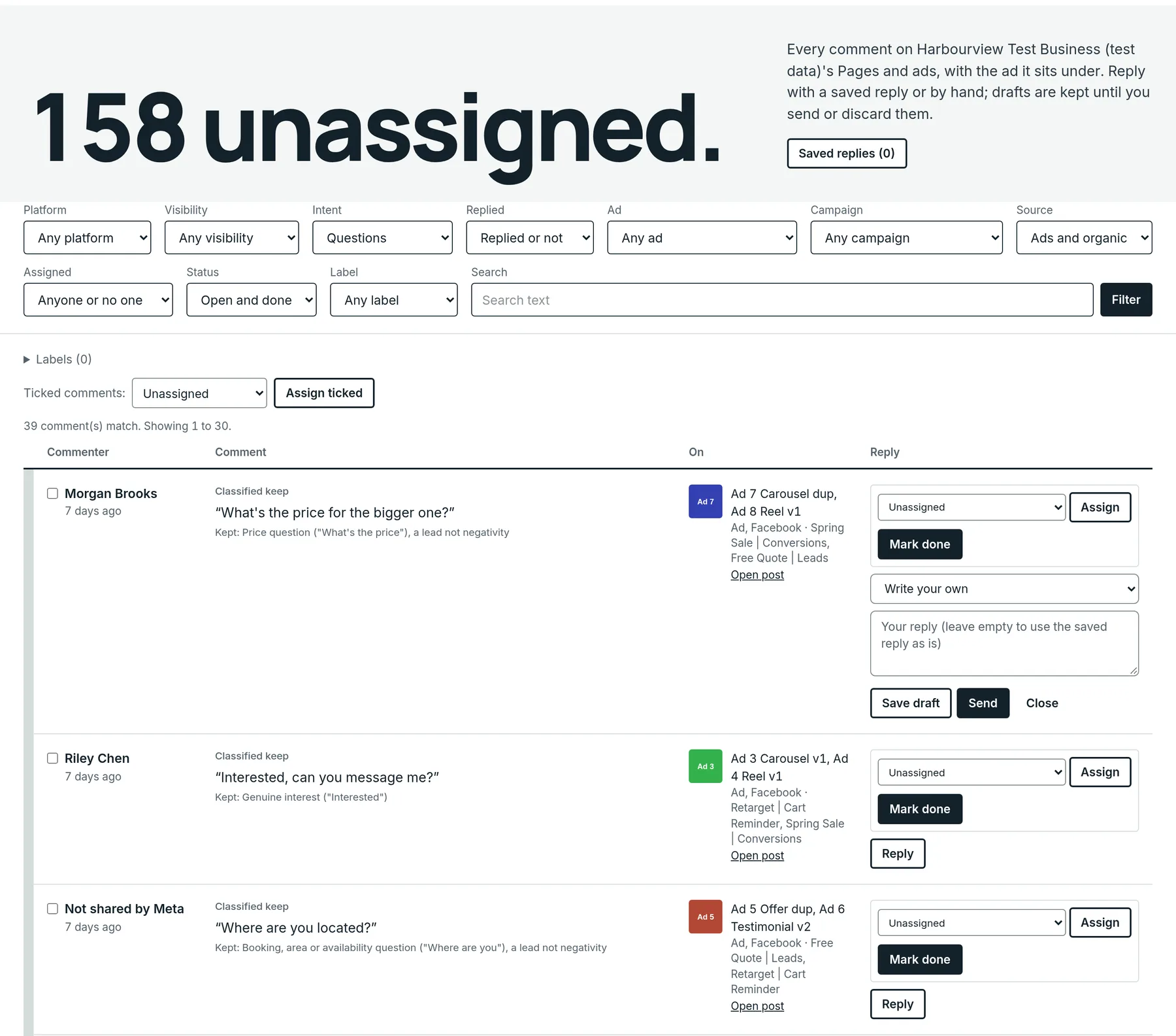
- Open Inbox.
- Filter by intent, such as Questions, and choose Filter.
- Choose Reply on a comment.
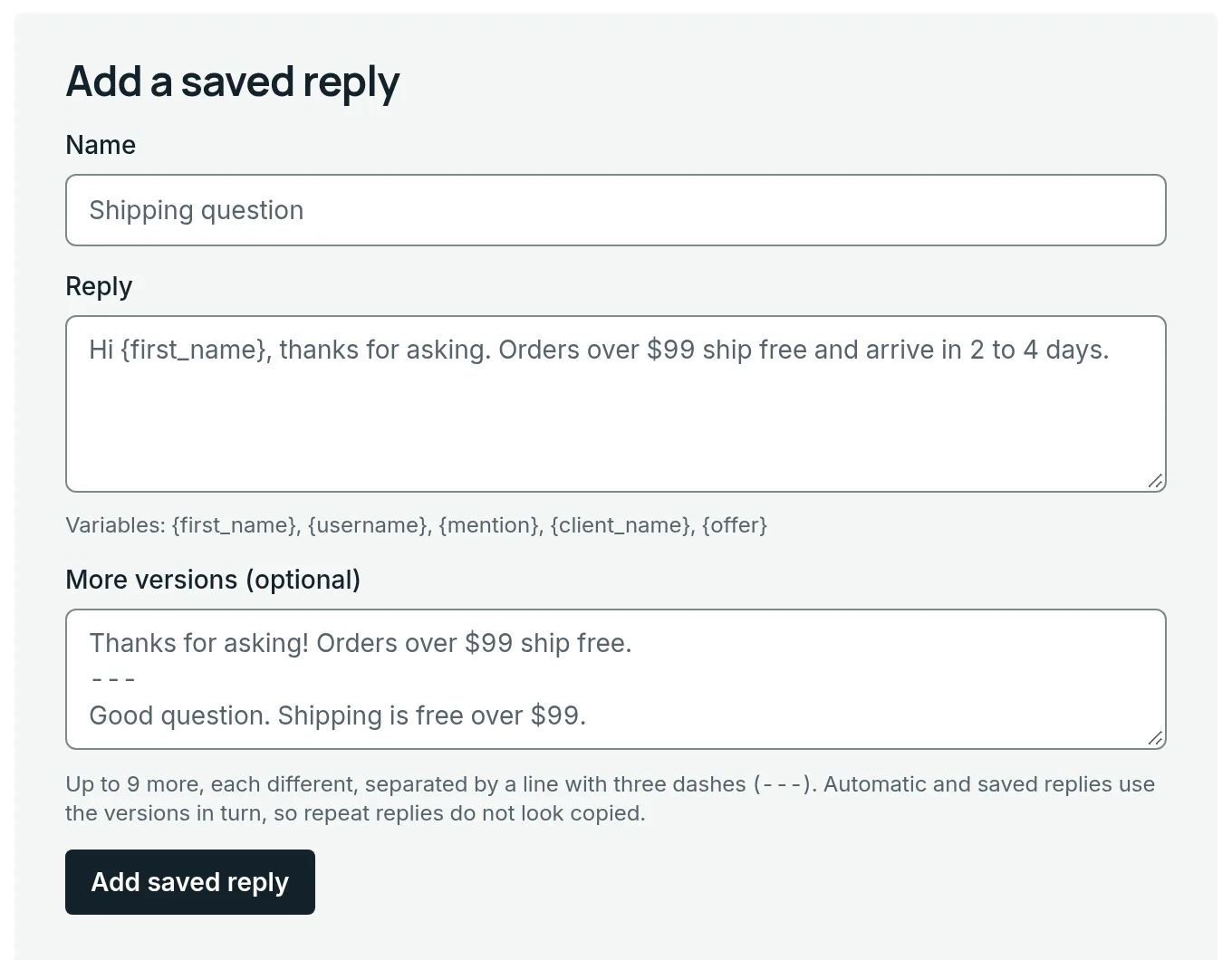
- Pick a saved reply or choose Write your own.
- Choose Send, or Save draft to come back later.
Managers approve AI drafts with Approve and send, or remove them with Discard.
Related articles
Screenshots show the dashboard with sample data and may differ slightly from what you see.
Still stuck? Browse the help center or contact us.