Every plan has unlimited users. Roles decide what each person can do.

Steps
- Open Team under Settings.
- Under Invite someone, enter their Email and pick a Role.
- To limit access, tick Clients and Pages. None ticked means all.
- Choose Send invite. Invites last seven days.
- To change a role later, pick it next to the person and choose Update.
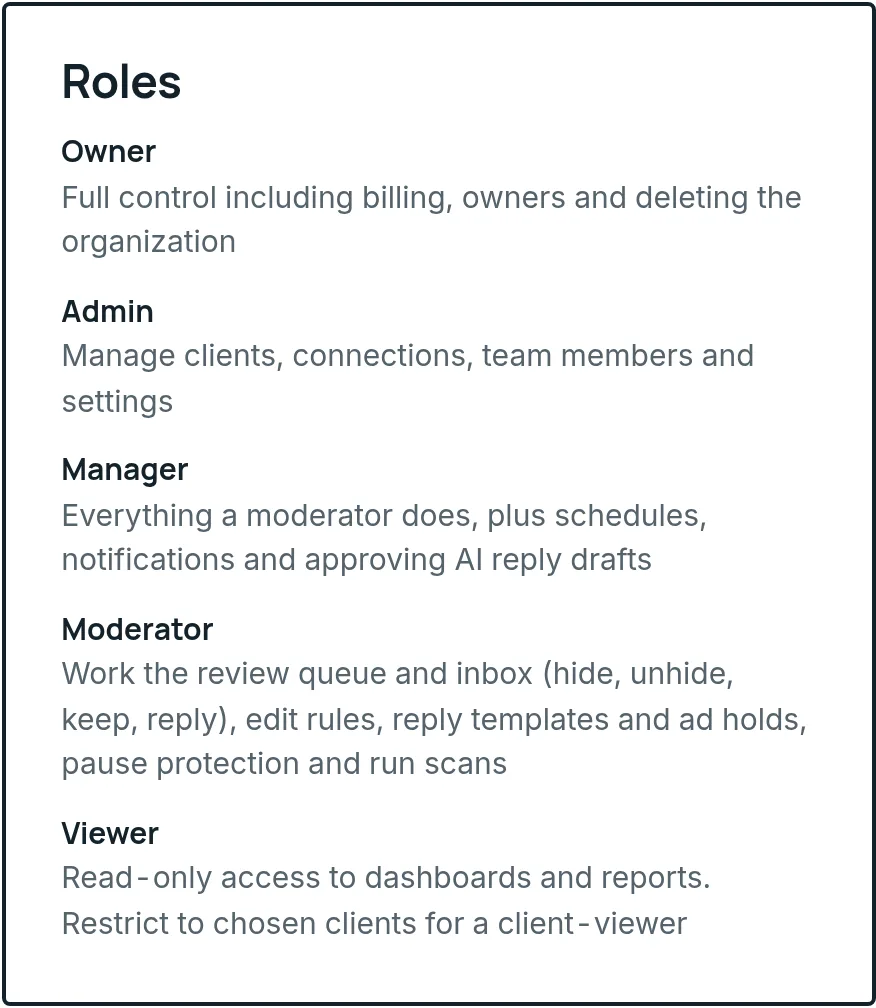
A Viewer limited to one client is a client login. Only owners can change owners.
Related articles
Screenshots show the dashboard with sample data and may differ slightly from what you see.
Still stuck? Browse the help center or contact us.