Quick answer: To delete a comment on a Facebook ad, open the ad post, click Options next to the comment and select Delete. Prefer hide when you may want it back — delete cannot be undone and removes it for everyone.
How to delete a comment on a Facebook ad
- Go to the ad post that has the comment you want to delete.
- Click Options to the right of the comment.
- Select Delete.
These are Meta’s steps for deleting a comment from a post on your Facebook Page. They work on an ad’s post when you are switched into the Page that runs the ad. You need Facebook access to the Page; task access isn’t enough.
To stop someone commenting again, Meta suggests blocking the profile or Page that made the comment, from that profile or Page. See how to ban someone from a Facebook Page.
Delete or hide?
| Question | Hide | Delete |
|---|---|---|
| Who can still see it | The writer and their friends | Nobody. It is removed from the post |
| Is the writer told | No, according to Meta | Meta doesn’t say |
| Can you undo it | Yes, unhide it | No restore option in Meta’s help pages |
| Best for | Complaints, trolling and off-topic comments | Comments you never want on the post at all |
Sources: hiding comments, deleting comments and comment moderation in Meta Business Suite, Meta help pages read 23 October 2026. If a comment breaks Meta’s Community Standards, you can also report it. For more detail, see hide vs delete Facebook comments.
When deleting makes sense
- Someone has posted personal details, such as a phone number or address.
- The comment is a scam or spam link you want gone for everyone, including the writer’s friends.
- You are sure you will never want the comment back.
For everything else, hide. A hidden complaint can’t put off new customers, and you can still reply to the person privately.
How CommentHide handles deleting
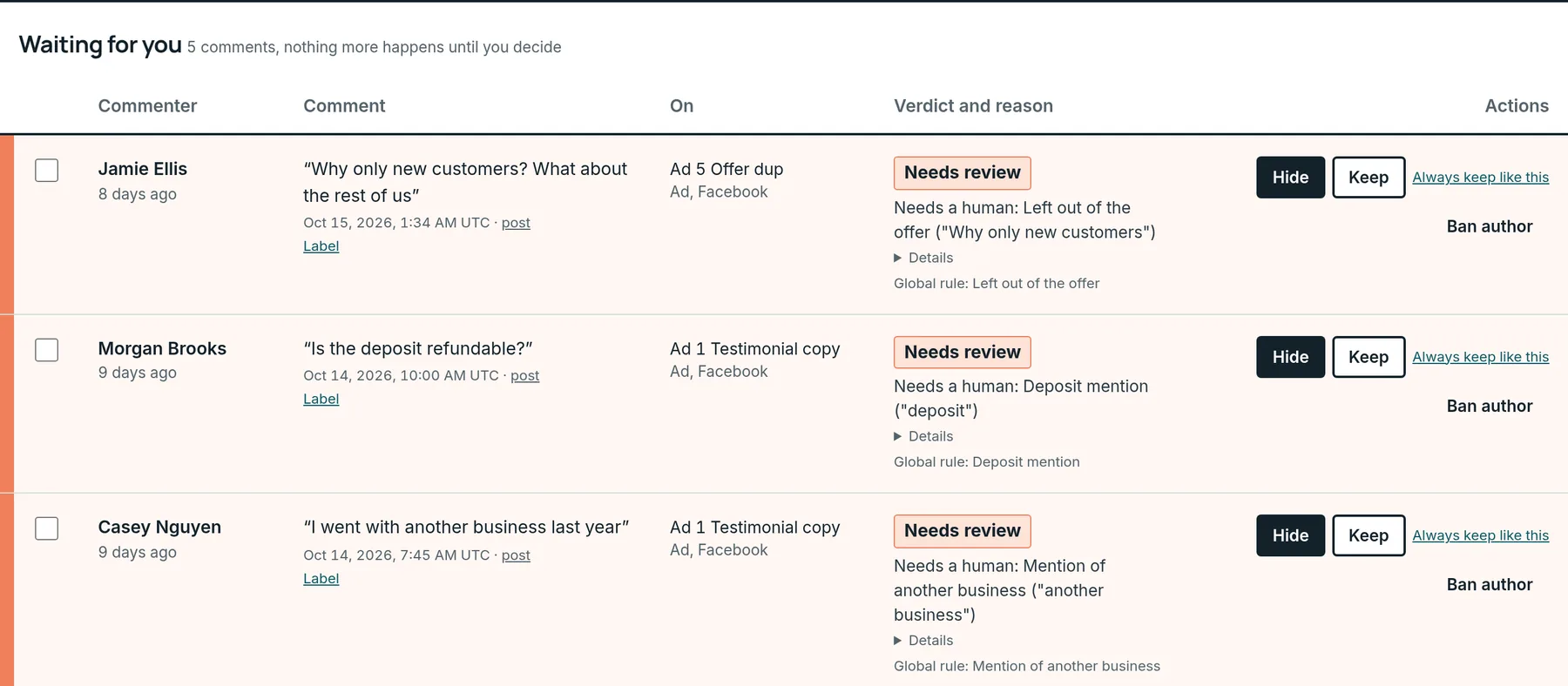
CommentHide hides by default and logs every hide with its reason, so you can undo it. Deleting is off for each client until an admin switches it on under Settings, Client and brand, Advanced actions. Even then, every delete is done by a person and needs a confirmation tick, and nothing is ever deleted automatically.

Frequently asked questions
Can you delete comments on a Facebook ad?
Yes, if you have Facebook access to the Page that runs the ad. Meta says people with task access to a Page can’t hide, sort or delete comments on its posts. Source: Facebook Help Center.
Does the person know I deleted their comment?
Meta’s help page says only that a deleted comment is removed from the post. It does not say whether the writer is told, so assume they may notice it has gone.
Can I get a deleted comment back?
Meta’s help pages describe unhiding a hidden comment, but no way to restore a deleted one. If you might want it back, hide it instead.
Should I hide or delete negative comments on ads?
Hide them in most cases. According to Meta, a hidden comment stays visible to the person who wrote it and their friends, and the writer isn’t told it was hidden, so it is less likely to start an argument. Sources: Facebook Help Center and Meta Business Help Center.
Does CommentHide delete comments?
Only if you switch deleting on for that client, and even then only when a person deletes a comment and ticks the confirmation. Nothing is ever deleted automatically. By default CommentHide hides, which you can undo.
Want your ad comments cleaned up automatically? Connect your Facebook and Instagram ad accounts and the first scan runs straight away.