Help center / Agencies and clients
Each client is kept separate, with its own settings and results.
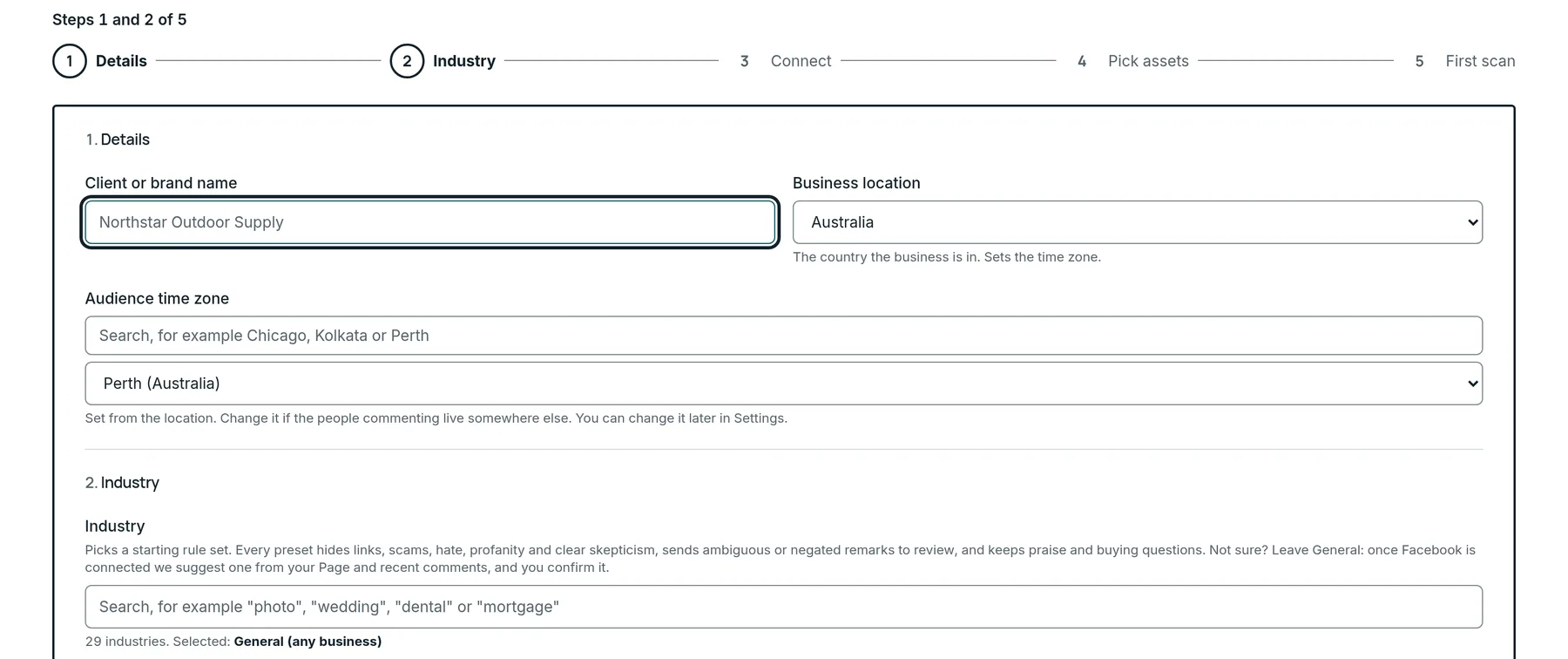
Steps
- Choose Add a client in the sidebar.
- Enter the Client or brand name.
- Pick the Audience timezone.
- Choose an Industry preset.
- Save, then connect Facebook and Instagram yourself or send the client a connect link.
Switch between clients with the Client menu in the sidebar and choose Go.
Related articles
Screenshots show the dashboard with sample data and may differ slightly from what you see.
Still stuck? Browse the help center or contact us.