Help center / Undo and the panic button
If something looks wrong, stop first and look second.
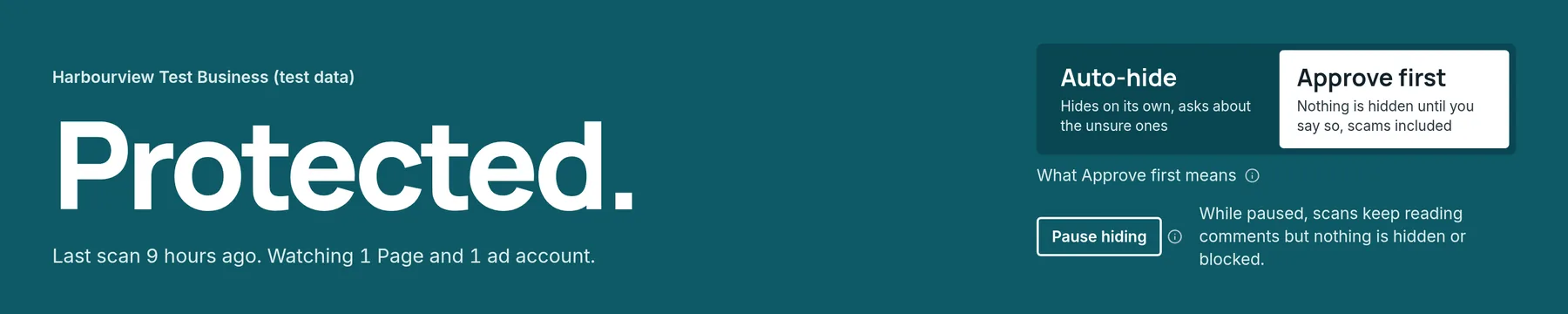
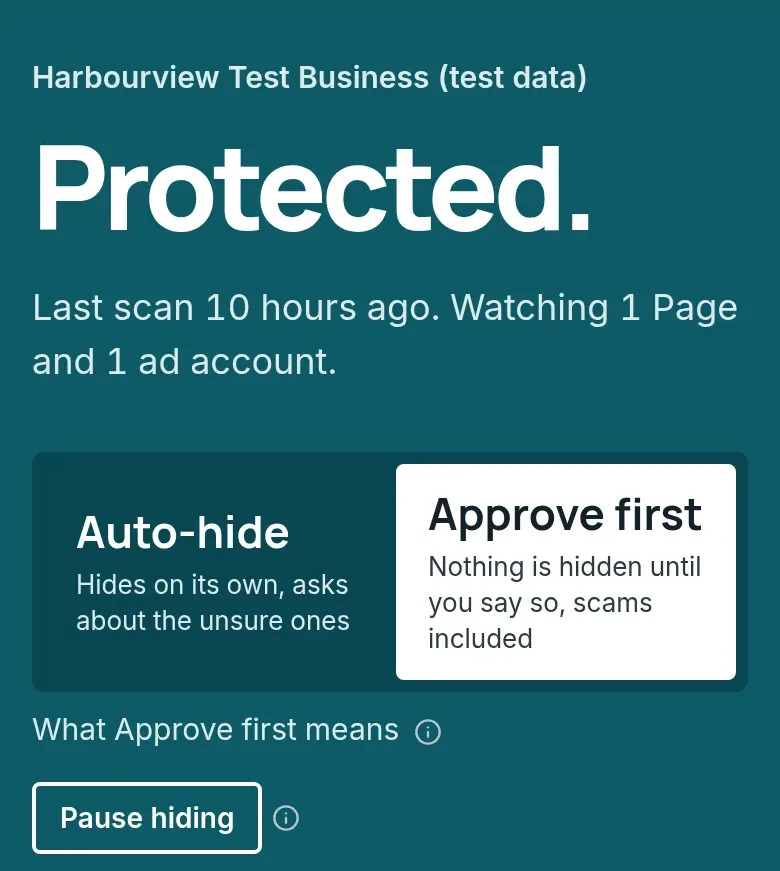
Steps
- Open the Overview.
- Choose Pause hiding, or Pause under the client name in the sidebar.
- Check the review queue and activity log to see what happened.
- Fix the rule or undo the hides.
- Choose Resume protection to switch automatic hiding back on.
While paused, scans keep classifying, so comments wait in the review queue instead of being missed.
Related articles
Screenshots show the dashboard with sample data and may differ slightly from what you see.
Still stuck? Browse the help center or contact us.