Hiding the bad comments is half the job. Answering the good ones wins sales. The inbox brings every comment together with the ad it sits under.
Opt-in The inbox, replies and likes is off by default. An admin switches it on under Settings, Client and brand, Advanced actions.
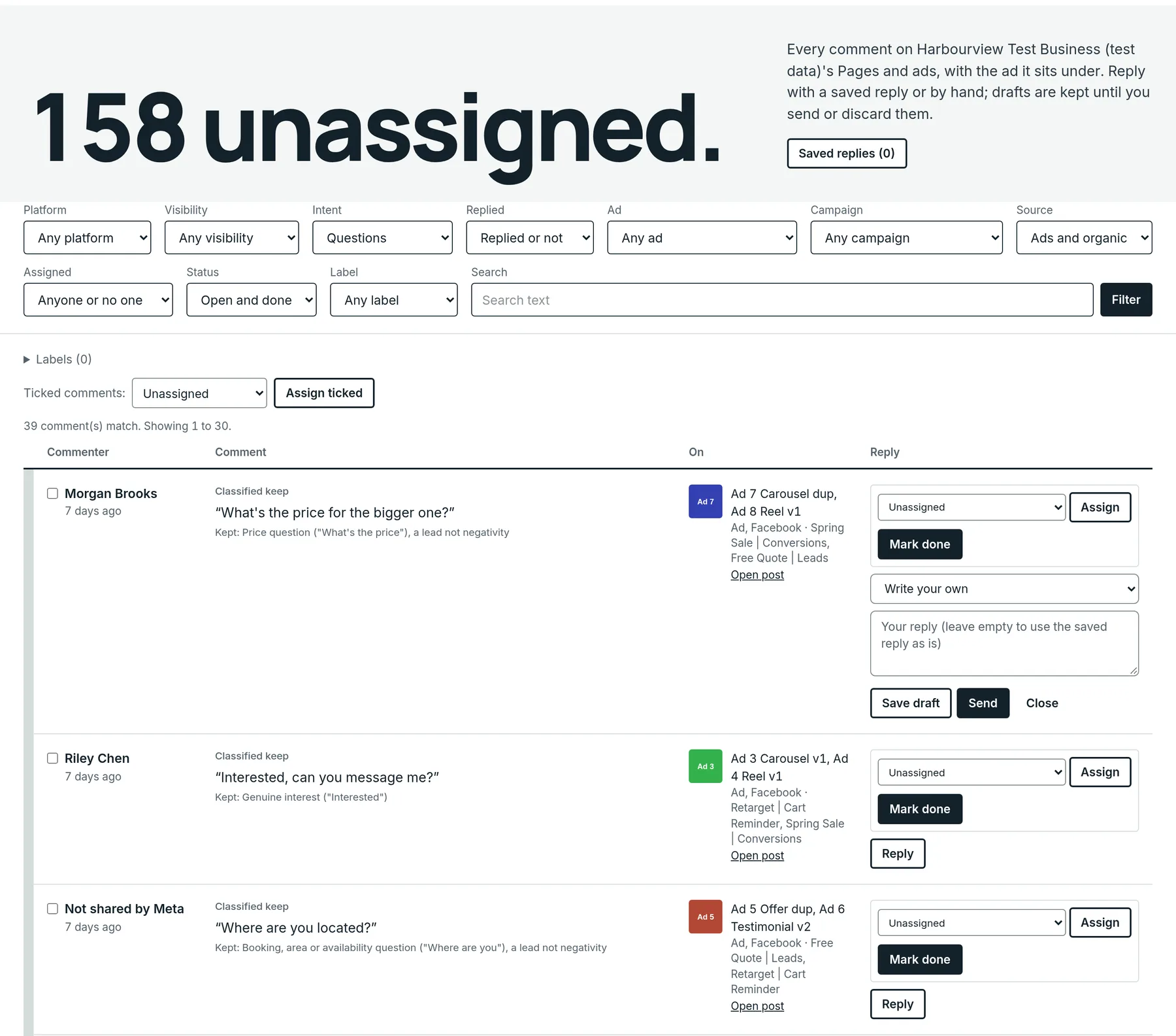
Find the comments that matter
Filter by platform, visibility, intent (questions, leads and praise, needs review, negative), replied or not, ad, campaign, and ads or organic posts.
Saved replies
Save your common answers with variables: {first_name}, {username}, {client_name} and {offer}. Replies start as drafts and nothing is sent until someone presses Send. You can also like a comment with one-click Undo Like.
Team inbox
Assign a comment to a teammate, add labels and mark it done, so two people never answer the same comment. Mentions with {mention} tag the commenter, and a reply can be edited after it is sent.
Translation
Translate a comment into your language, and translate your reply into the commenter’s language before you send it.
Reply versions
A saved reply can have up to 10 versions, used in turn, so repeat answers do not look copied. Automatic replies can wait a random delay first; hiding or deleting the comment during the delay cancels the reply.
AI reply drafts
Add a knowledge base of questions and answers, an FAQ CSV or a product catalog export, and CommentHide drafts replies to buying questions. A draft that cannot find an answer is flagged as lacking knowledge and is never sent automatically.
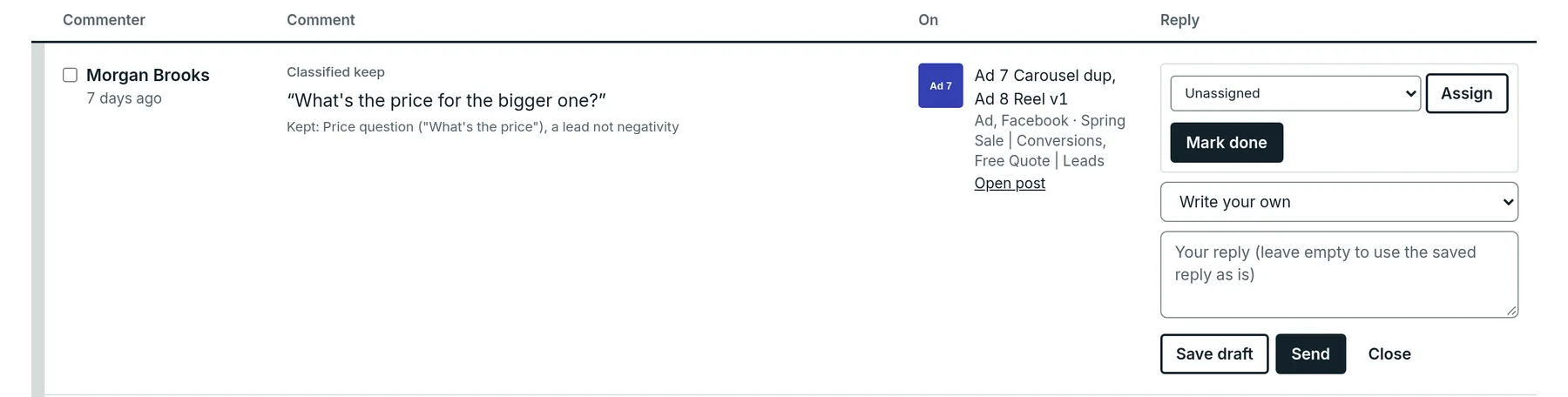
You choose how much it does
- Drafts only (recommended) never sends.
- Auto-send above a confidence sends confident drafts.
- Full auto sends every draft the knowledge base covers.
- AI drafts need a manager’s approval makes every draft wait for a manager, whatever the setting.
How-to: turn on the inbox and AI replies.
Want your ad comments cleaned up automatically? Connect your Facebook and Instagram ad accounts and the first scan runs straight away.